PDF - Reader & Editor
Open any PDF and edit it in seconds
Open any PDF: sign, fill forms, highlight, notes, pages. Saved in the file.
Sign contracts, fill forms, highlight and write notes. Everything you edit is saved inside the file and shared with one tap. No account, no login, nothing leaves your phone.
What it does
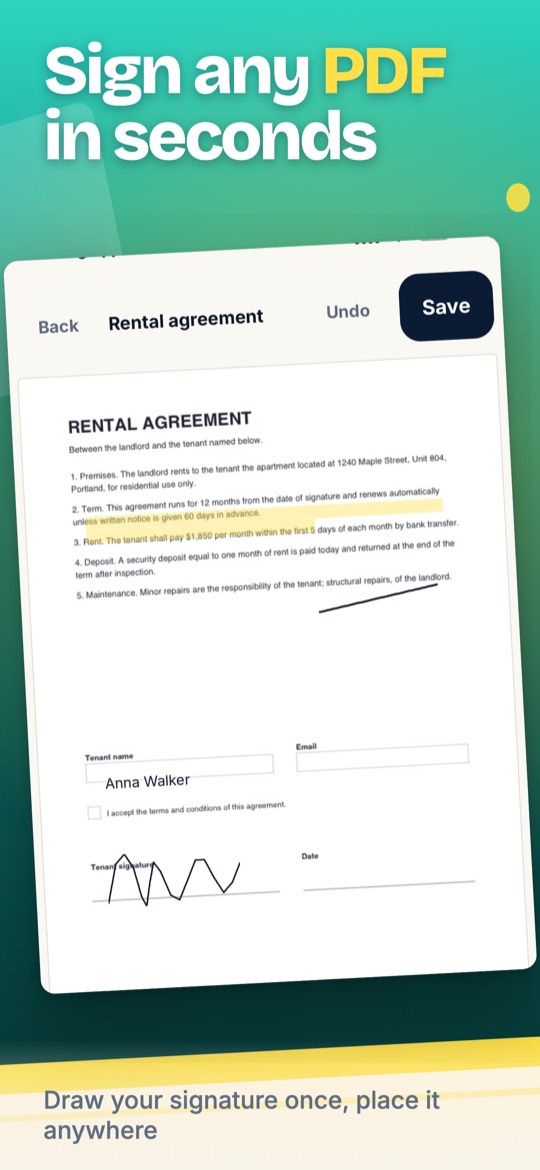
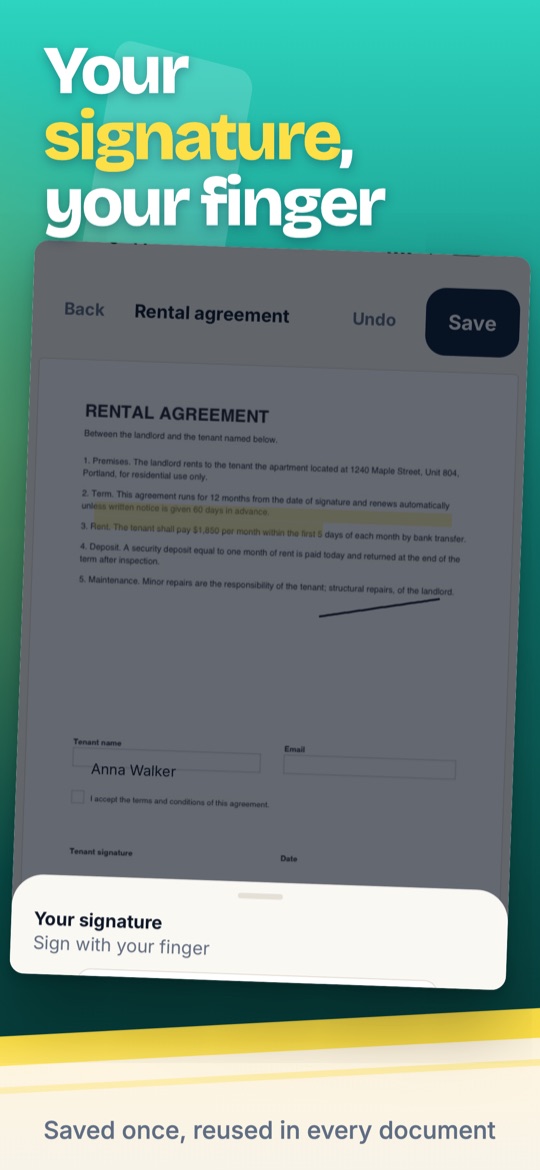
Sign with your finger
Draw your signature once. Place it on any page, resize it, done. Contracts, forms and letters signed in a minute.
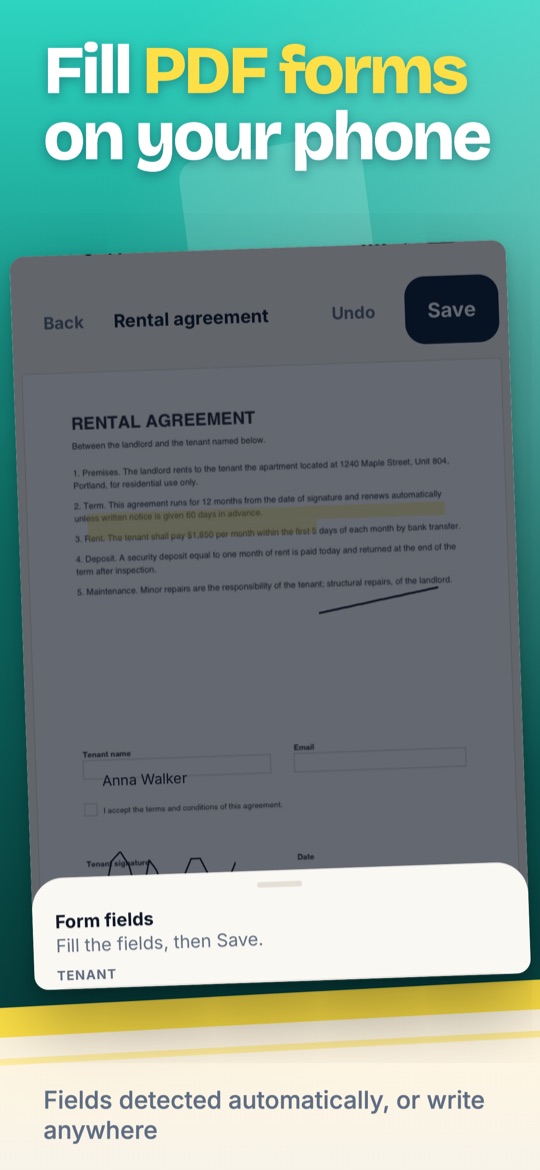
Fill forms, even without fields
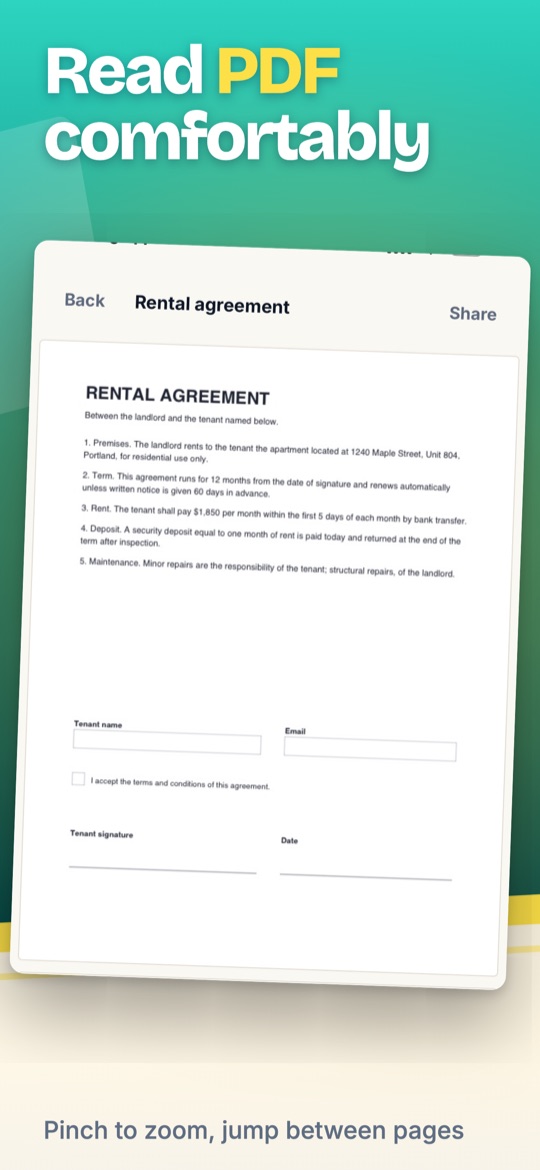
Fillable fields are detected automatically: text boxes, checkboxes, dropdowns. No fields? Use the Text tool to write anywhere.
Highlight, annotate, manage pages
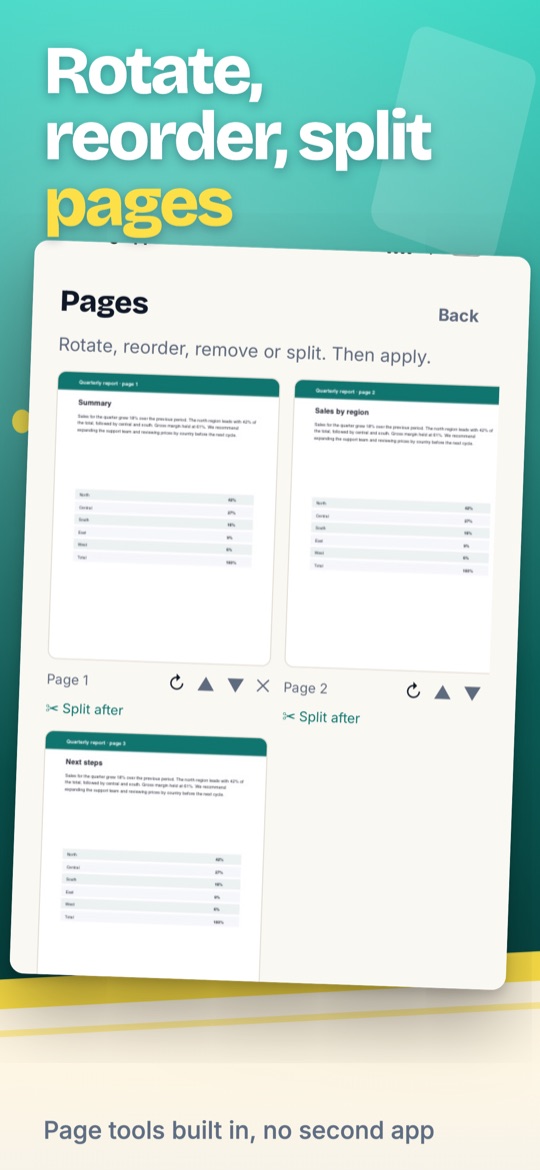
Highlighter, pen and text notes. Rotate, reorder and remove pages, split a PDF in two or merge several into one.
How it works
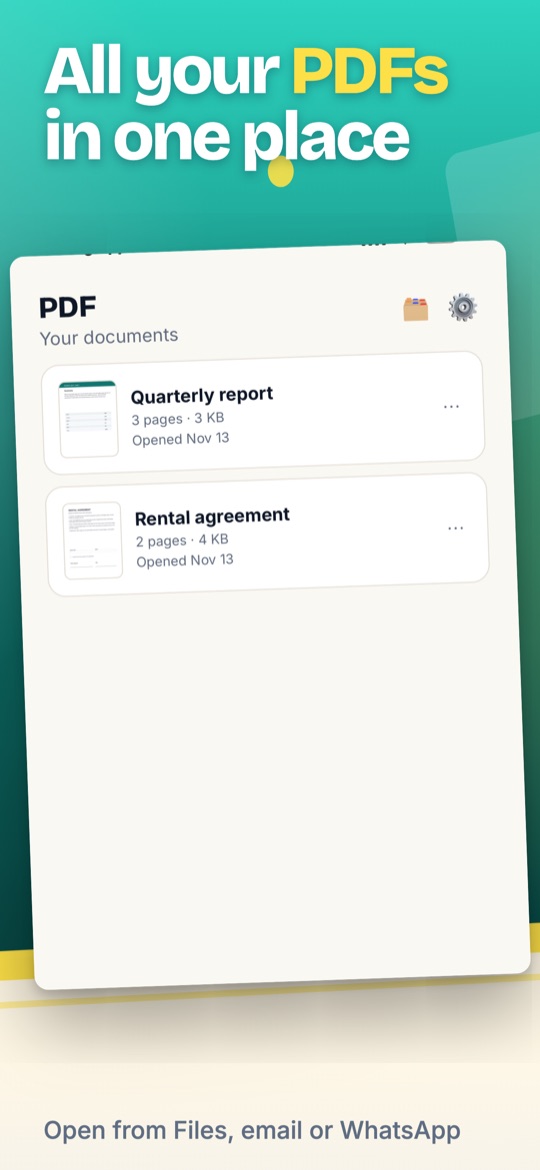
- Open a PDF. From Files, email, WhatsApp or any app with "Open in". It stays in your library for next time.
- Pick a tool. Highlight, Pen, Text, Sign, Forms. Undo anything before saving.
- Save and share. Every edit is written into the PDF itself, so it opens everywhere: Mail, Drive, Adobe, Preview.
Your documents stay on your phone
- Reading and editing happen on the device. The app does not upload your documents and does not ask for an account. The only data that leaves the phone is the purchase status and anonymous usage events, as described in the privacy policy.
Screenshots
Not in the stores yet
This app is still being built. Write to us and we will tell you the day it is out, with nothing else in between.
One email the day it launches. Nothing else, ever.
Done. We will write to you the day it launches.
That email does not look right. Try again.
Price
Reading is always free, and you can save 3 edited documents for free. PDF Reader Pro unlocks unlimited saves: US$29.99 a year with a 3-day free trial, US$4.99 a week, or US$49.99 once for life. Prices vary by country. Cancel anytime in your App Store or Google Play subscription settings.
Everything the app does
Questions
Is PDF Reader & Editor free?
Reading is always free. You can also save 3 edited documents for free; Pro removes the limit.
Do I need an account?
No. There is no sign-up and no login. Your subscription is tied to your App Store or Google Play account and can be restored on a new phone.
Will my signature and notes show in other apps?
Yes. Everything is written into the PDF itself, so it opens in Mail, Drive, Adobe Acrobat, Preview or any PDF reader.
Can I fill a form that has no fields?
Yes. Use the Text tool: tap where the text goes and type. Forms with real fields are detected automatically.
Where are my PDFs saved?
On iPhone, in Files under On My iPhone, PDF. On Android, in the PDF folder of the app; tap Share to send them anywhere.
Does it edit the original text of the PDF?
Not in this version. You can write on top, highlight, sign, fill fields and manage pages.
How much is Pro and how do I cancel?
See the price above; it varies by country. Cancel anytime in your Apple or Google subscription settings; the app also has a Cancel subscription button in Settings.
PDF - Reader & Editor is made by NexaGo, LLC and is not affiliated with Adobe, Apple, Google or any other PDF product.