PDF Converter PDF Scanner
PDF Converter and PDF Scanner, in 3 taps
Scan, photos & files to PDF in 3 taps. Merge, compress, PDF to JPG. No account.
Scan paper with the camera, pick photos from your library or open a PDF you already have, and get a clean PDF ready to share. No account, no login, nothing leaves your phone.
What it does
Scan to PDF that finds the edges
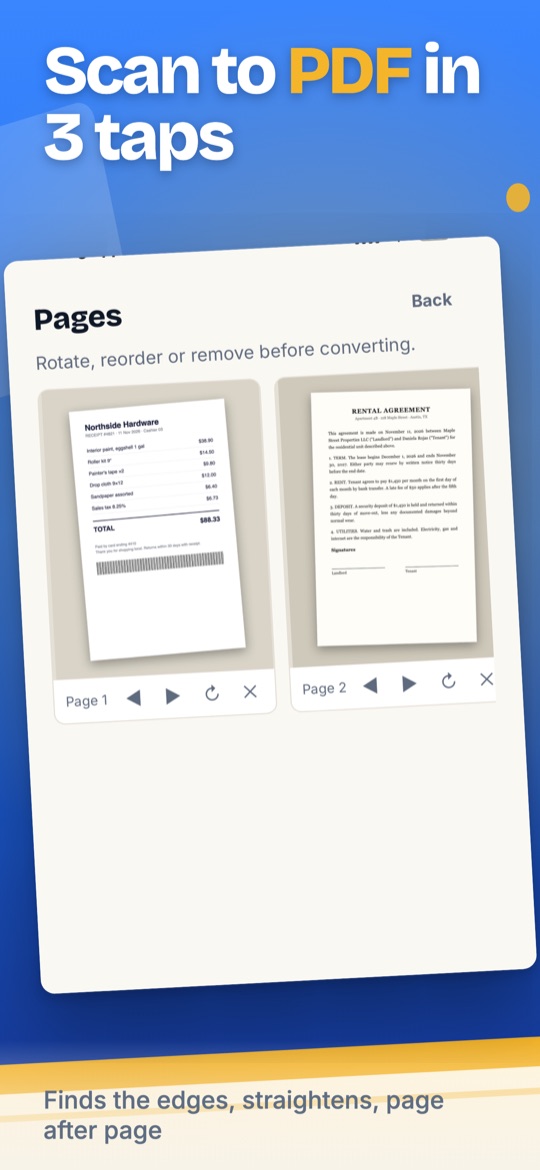
Point the camera at a receipt, a contract or homework: the scanner detects the page, straightens it and lets you shoot page after page.
Photos to PDF, many at once
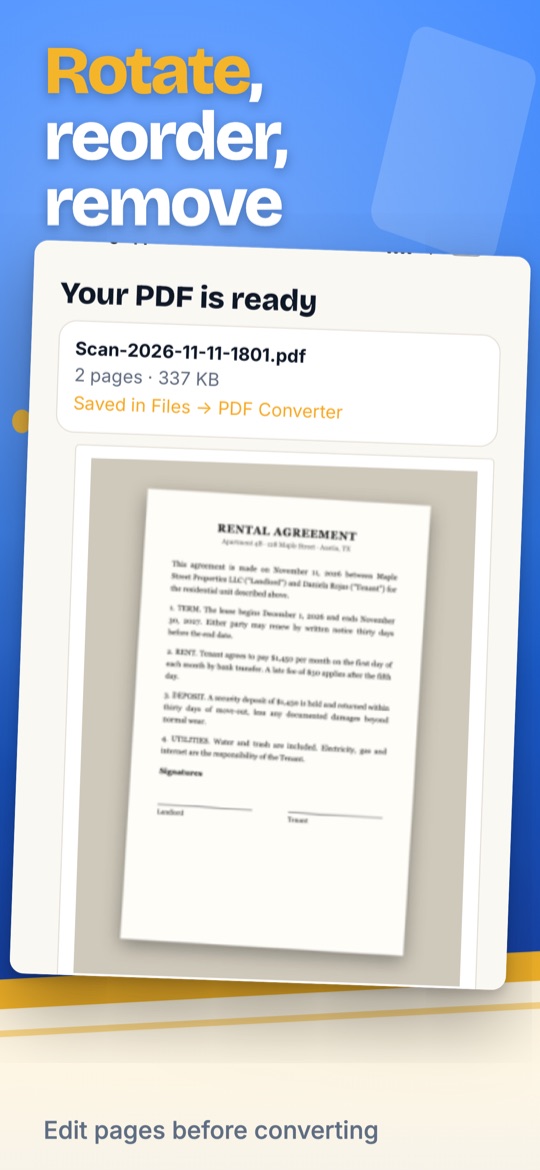
Pick several photos from your library. Every page comes out the same size, Letter or A4, and you can rotate, reorder or remove pages before converting.
Merge, compress and PDF to images
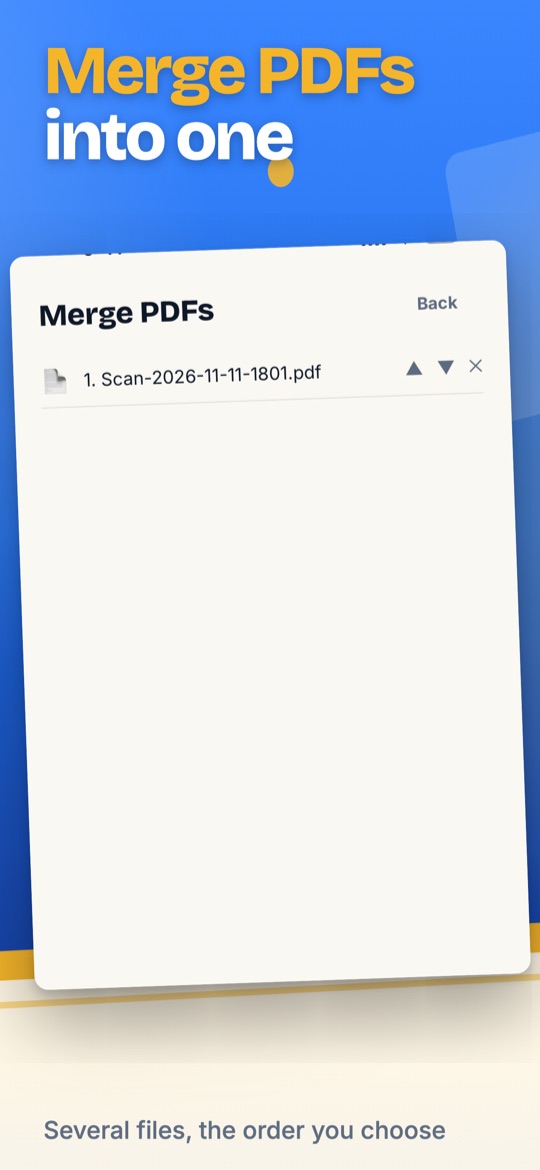
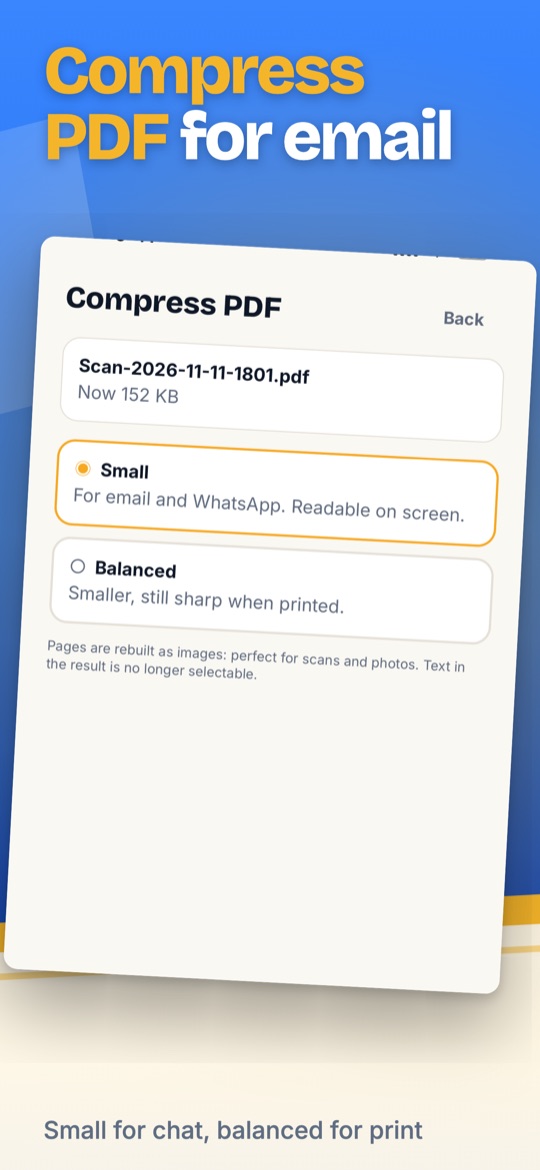
Join several PDFs into one, shrink a heavy file so email and chat accept it, or export every page as a JPG to your Photos.
How it works
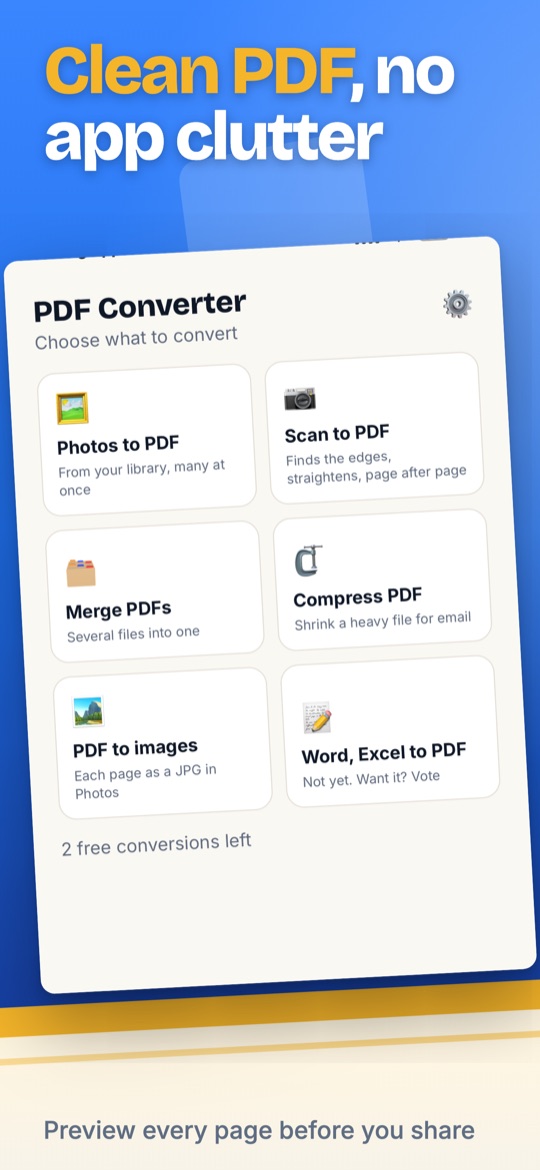
- Choose a tool. Scan to PDF, Photos to PDF, Merge PDFs, Compress PDF or PDF to images, from the home screen.
- Check the pages. Rotate, reorder or remove them, then convert. The preview shows every page before you share.
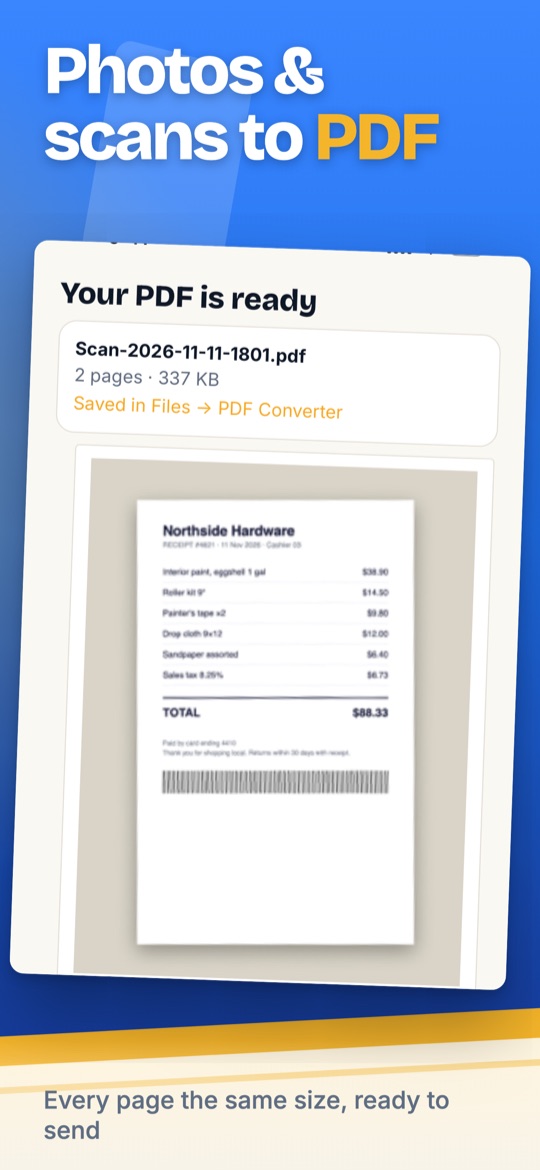
- Share. WhatsApp, email, Drive, Files or AirDrop. On iPhone your PDFs are also saved in Files, in the PDF Converter folder.
Your documents stay on your phone
- Conversions happen on the device. The app does not upload your documents and does not ask for an account. The only data that leaves the phone is the purchase status and anonymous usage events, as described in the privacy policy.
Screenshots
Price
Free: every tool with 2 conversions that carry a small watermark. PDF Converter Pro removes the watermark and the limit: US$29.99 a year with a 3-day free trial, US$4.99 a week, or US$49.99 once for life. Prices vary by country. Cancel anytime in your App Store or Google Play subscription settings.
Everything the app does
Questions
Is PDF Converter free?
Yes. Every tool can be tried free with 2 conversions that carry a small watermark. Pro removes the watermark and the limit.
Do I need an account?
No. There is no sign-up and no login. Your subscription is tied to your App Store or Google Play account and can be restored on a new phone.
Does the scanner crop the page automatically?
Yes. It uses the system document scanner (Apple VisionKit on iPhone, Google ML Kit on Android): it finds the edges, straightens the page and lets you adjust the corners.
Where are my PDFs saved?
On iPhone, in Files under On My iPhone, PDF Converter. On Android, tap Share to save the PDF to Files, Drive or email.
Does it convert Word or Excel files?
Not yet. The app shows a vote tile for that tool; if enough people ask for it, it comes in a later version.
How does Compress PDF work?
Pages are rebuilt as images at a lower resolution. It is ideal for scans and photos; text in the result is no longer selectable.
How much is Pro and how do I cancel?
See the price above; it varies by country. Cancel anytime in your Apple or Google subscription settings; the app also has a Cancel subscription button in Settings.
Does it add a watermark?
Only in the free version, on the 2 free conversions. Pro removes it.
PDF Converter PDF Scanner is made by NexaGo, LLC and is not affiliated with Adobe, Apple, Google or any other PDF product.